In case you no longer wish to have a particular service (hosting package, domain registration, etc), please follow the steps below to cancel it.
...
Cancellation procedure
- Navigate to the cancellation page at https://glowhost.com/cancel
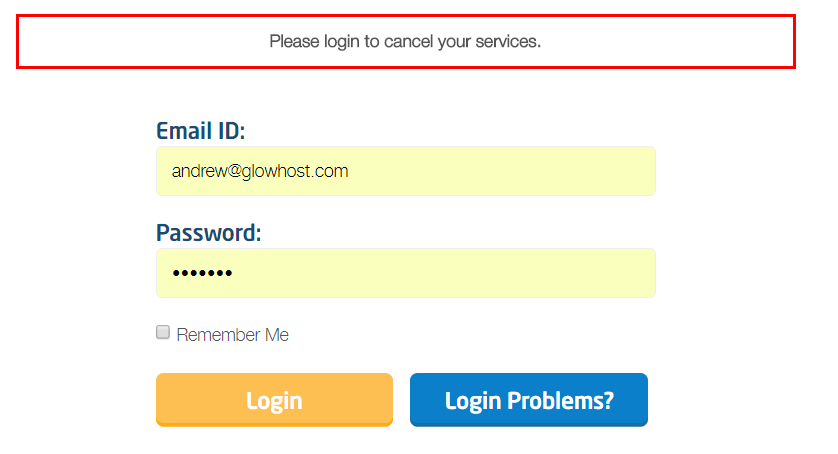
- If you were not logged into your MyGlow account, you will be asked to login as seen below:
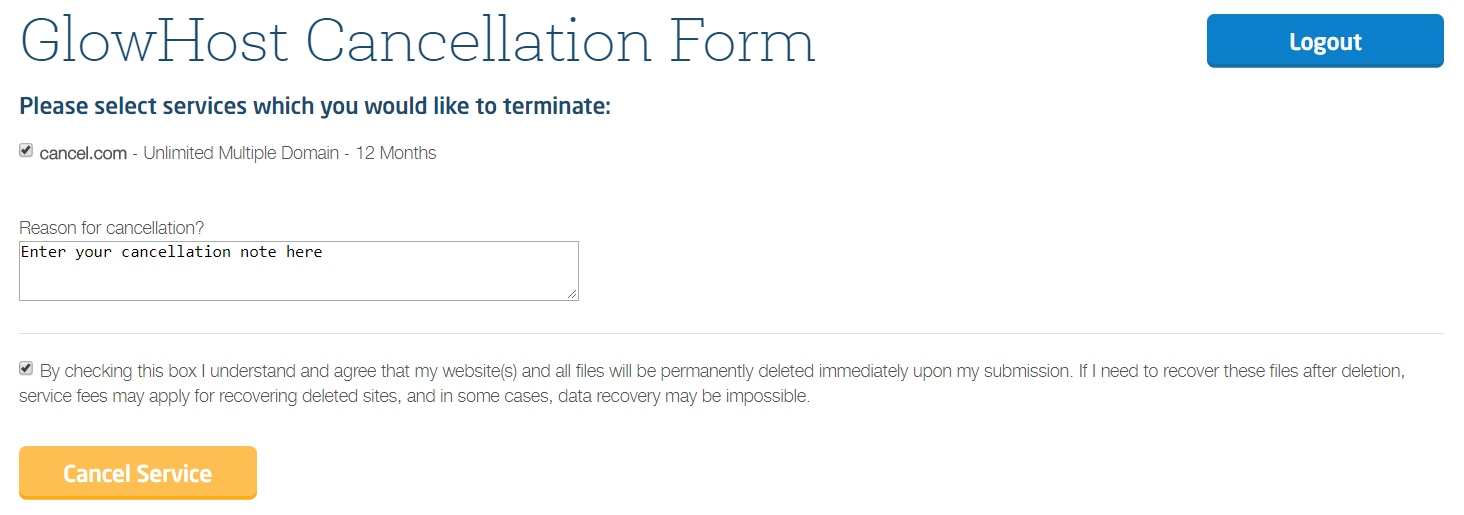
- Once logged in, choose the services you would like to cancel and click "Cancel." You then must confirm by clicking the checkbox that you understand your account files will be removed and click the "Cancel Service" button.
- You will be redirected to the confirmation page. Ensure to save the cancellation confirmation number, as well as several coupon codes.
...