Here's info regarding how to create and edit an php.ini file.
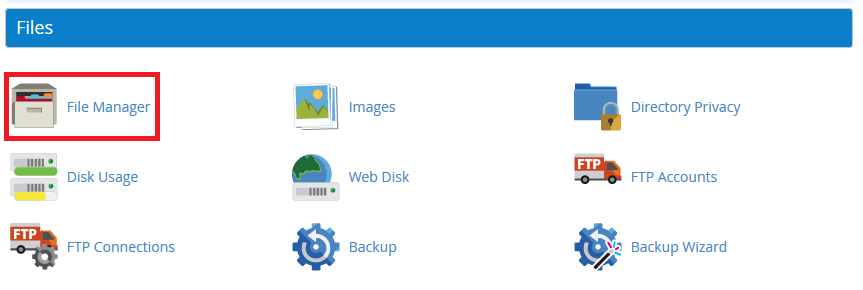
1. Enter your cPanel account and press on "File Manager"
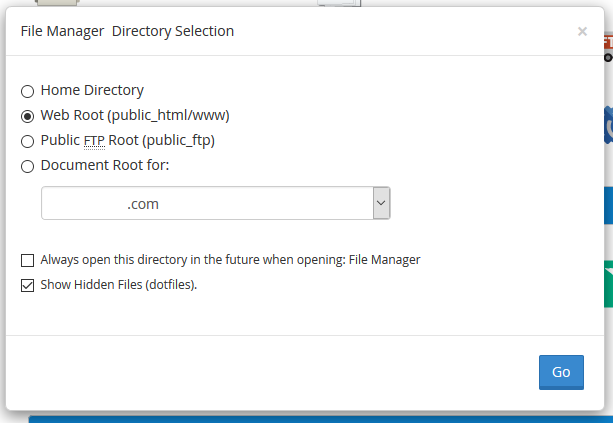
2. Click "Go".
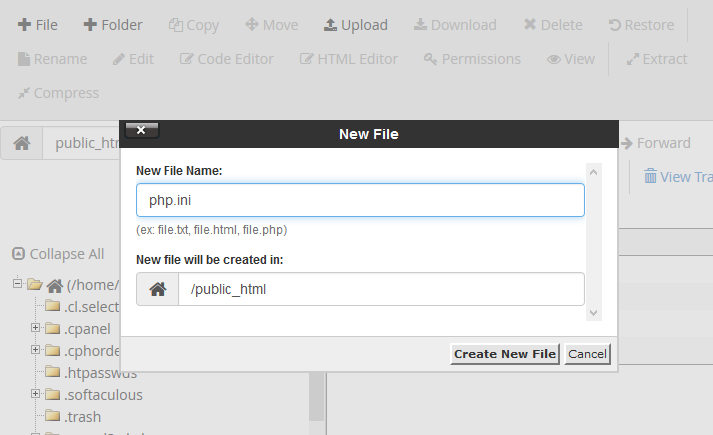
3. Go to folder you that contains your scripts or stay in the public_html folder if you want to apply rule rules for all scripts, not specific ones. Click on "New File" and enter "php.ini" as a filename.
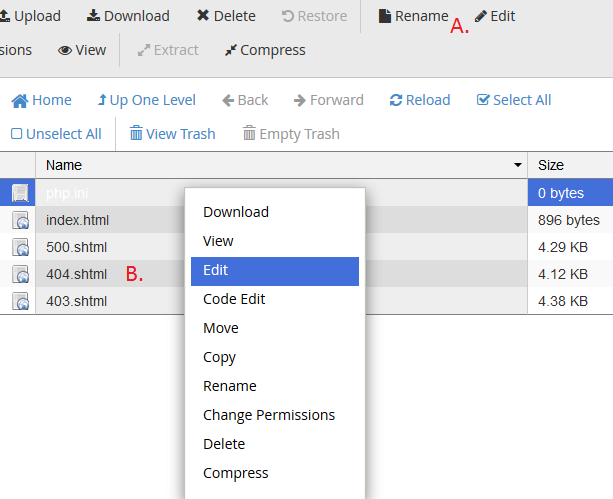
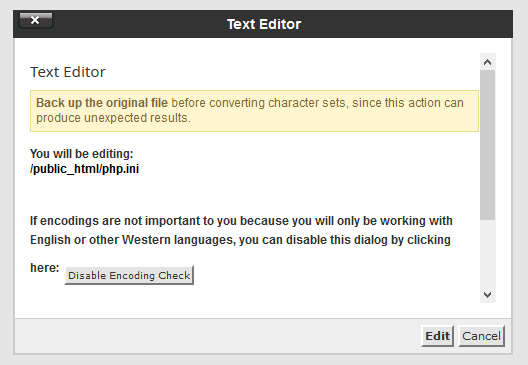
4. After the file is created (or if it already existed) choose it in file list and click on "Edit" or you may right click it and click "Edit".
5. Simply hit edit to agree.
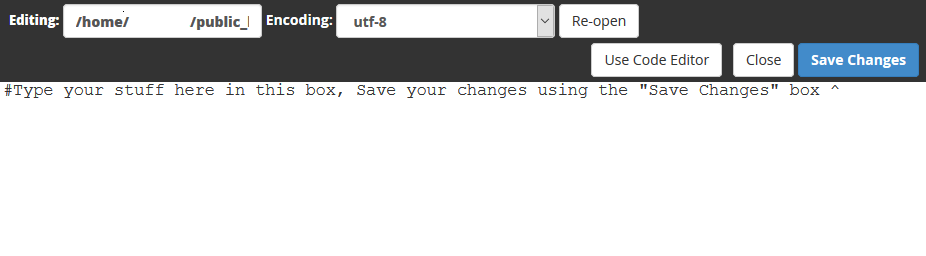
6. Enter needed your rules that you need and press "Save Changes".
| Note |
|---|
| Please note, that php.ini file works only for scripts that are located in same folder. If you create php.ini file in folder "one" and your scripts are in folder "two" located under "one", this won't work. |
...